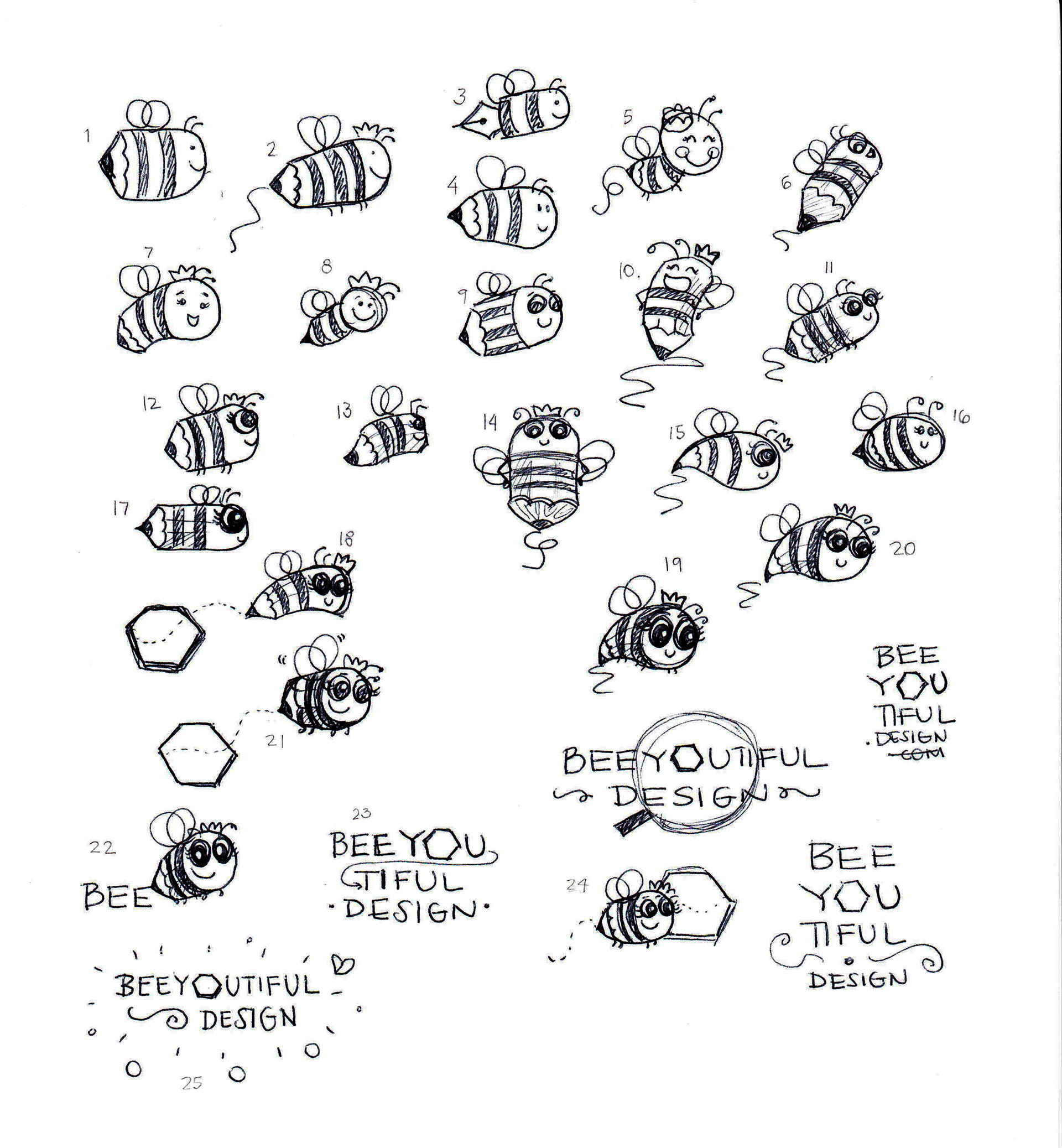
I had this idea of making a bee pencil and make her move. I worked on making different versions of the bee, to make sure she looks like a bee that has a pencil instead of a stinger. She has a crown because she is inspired by women. Because all women are queens, talented, hard workers and beautiful!
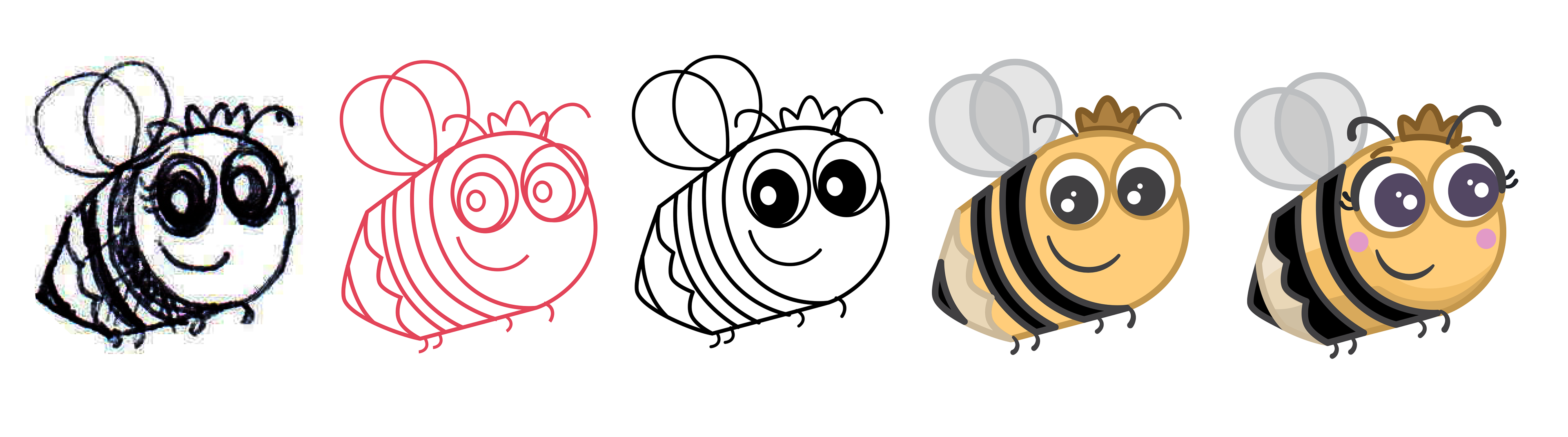
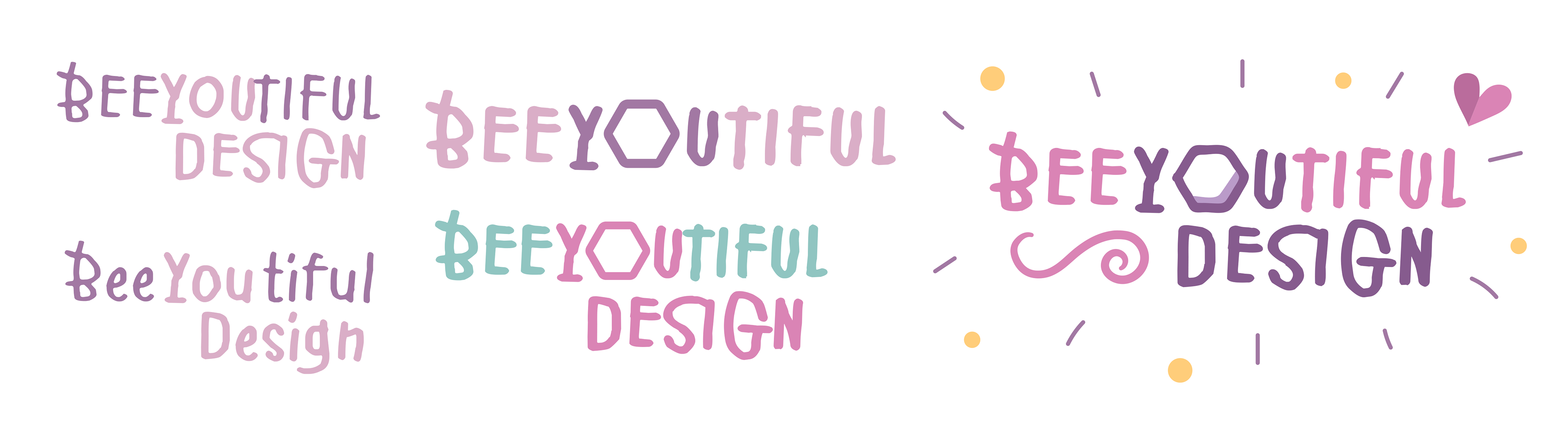
This is how my bee was looking in vectors. I choose to make her eyes purple to match with the color scheme I chose, and to have good contrast with the yellow colors. My idea was making her appear from a hexagon to simulate a beehive. And then, make her draw the letters BEE-YOU-TIFUL. Then make the “O” from the word YOU, become a hexagon that will grow and look like the very first hexagon, so it can loop.
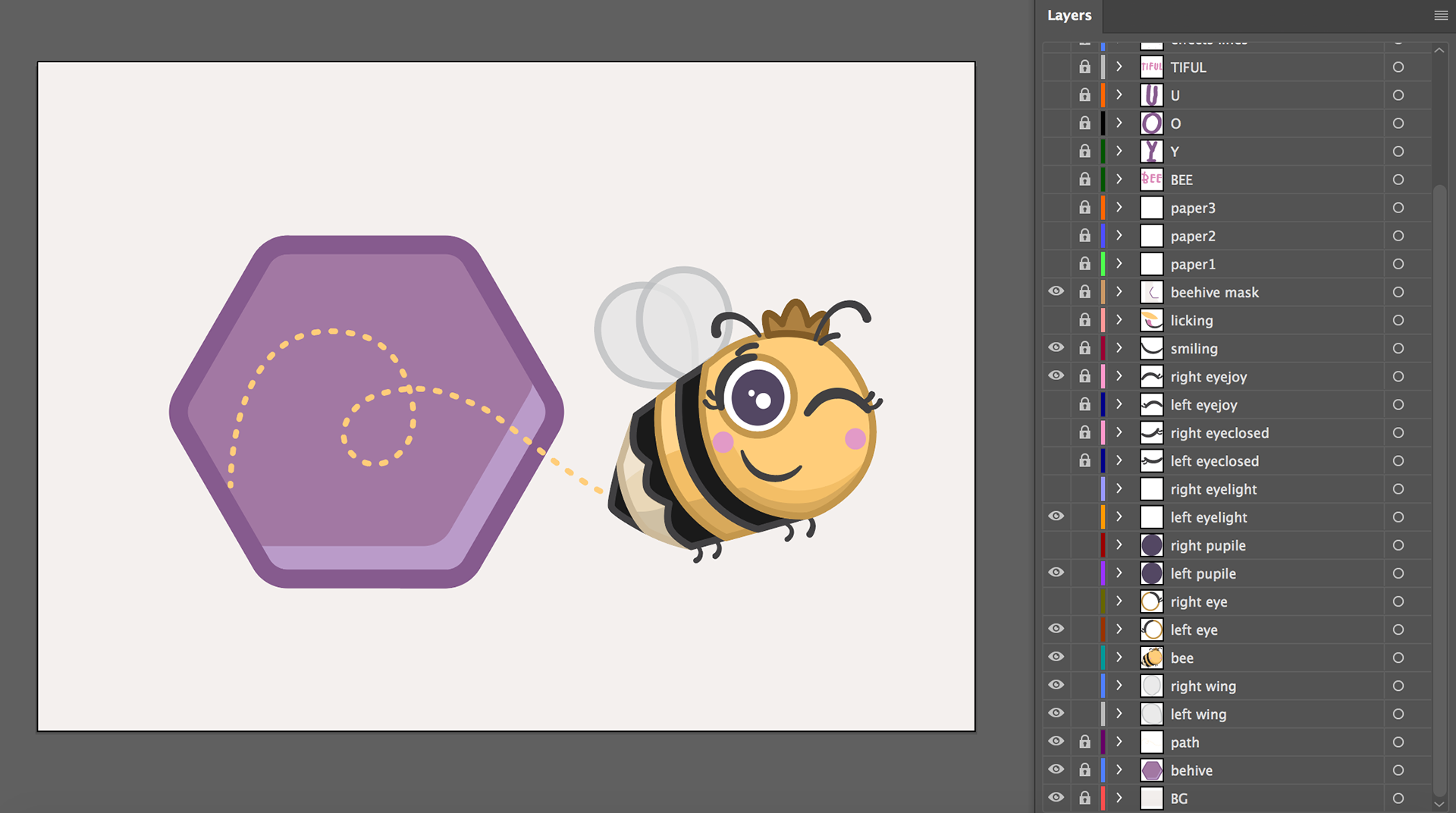
To make my files ready to import in AE, I organized all the shapes I wanted to move or change in different layers. I separated each little thing that will have to be animated. Put a specific name for each layer that will be easy to recognize when imported in AE. I added more facial expressions to my bee by creating closed eyes, emotional eyes, eyebrows and a tongue to come off her mouth. I also rasterized and separated the letters I wanted to animate. I made every layer thinking on every different movement I wanted to make. I also made a mask in the top to animate my bee, so it will look like she is coming from the inside of the hexagon.
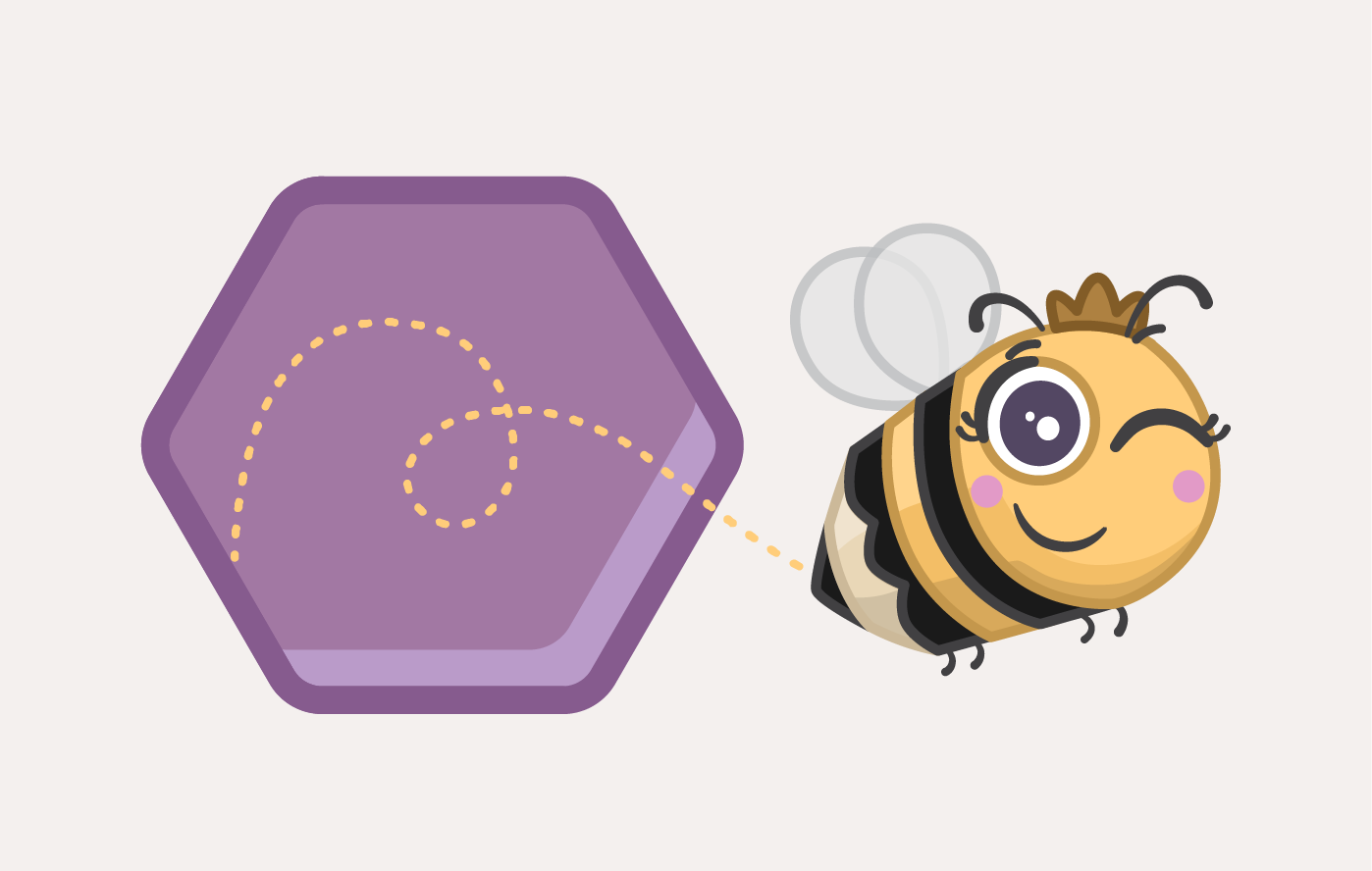
After importing my files in AE as a “Composition – Retain layer Sizes”, I worked on parenting all the different face expressions layers with my bee, including her wings. Then I pre-composed the bee so it will be easier to control each layer. I looked for some tutorials on how to animate insect wings and found very helpful videos. So, I animated her wings and then added a wiggle expression to make her move as a real bee. After that, I worked on making her appear from the hexagon, make different face expressions, and make movements as if she was drawing the letters “BEEYOUTIFUL”. I used some tricks to make the letters appear as if they were being drawn by the bee. Then worked on the paper animation and other details on the letters. Finally made the bee wink when she was done drawing, and fly out the composition. The last part was working on making the “O” of YOU become a hexagon. And then exported my first version.
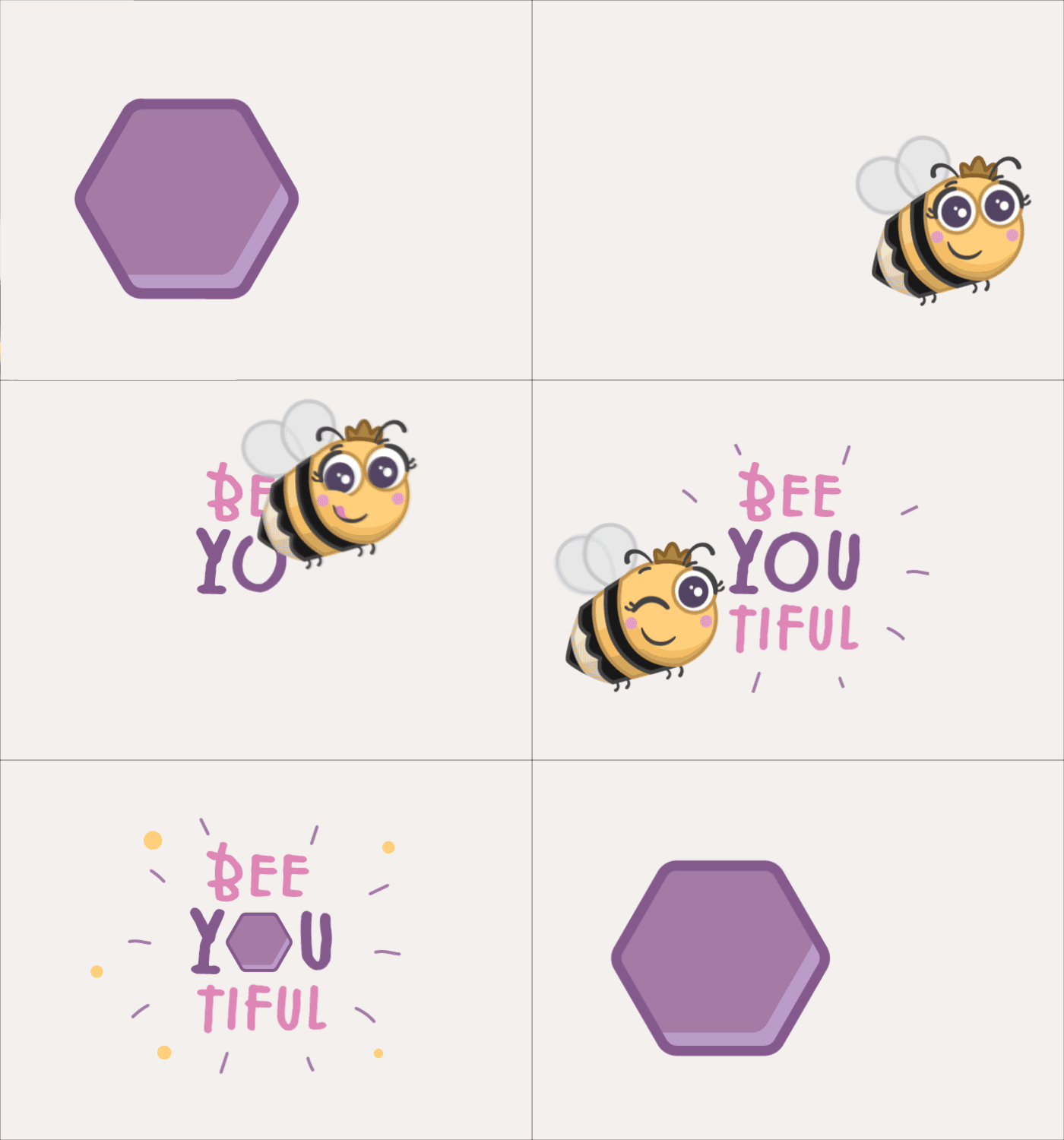
I took off the white paper and made changes on the “O” that becomes a hexagon. I also added more movements in the “Y” and “U” to make them have a reaction when the “O” becomes a hexagon and pops. Finally, I worked on make the last frames become exactly as the first ones, so it will loop correctly.