Overview
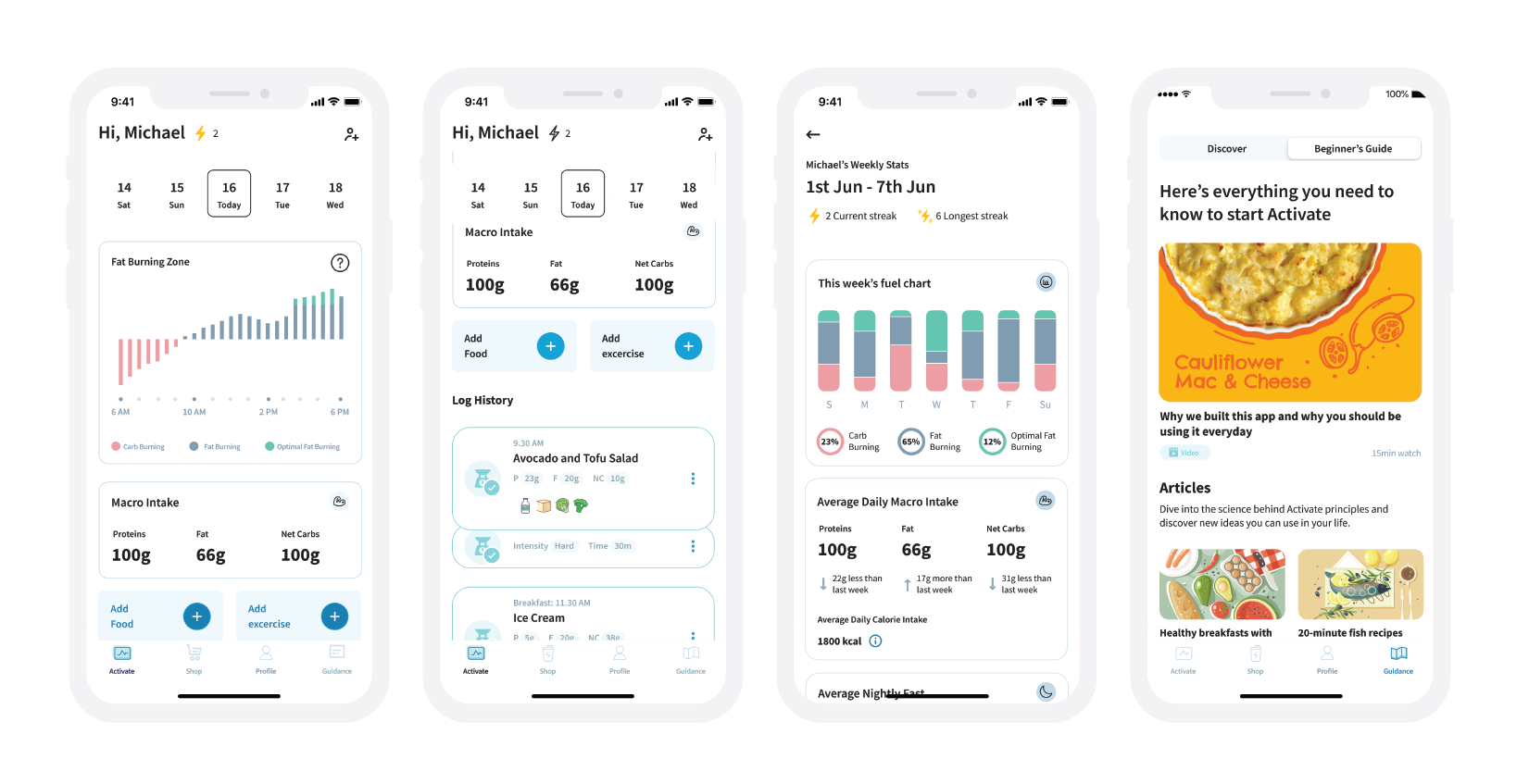
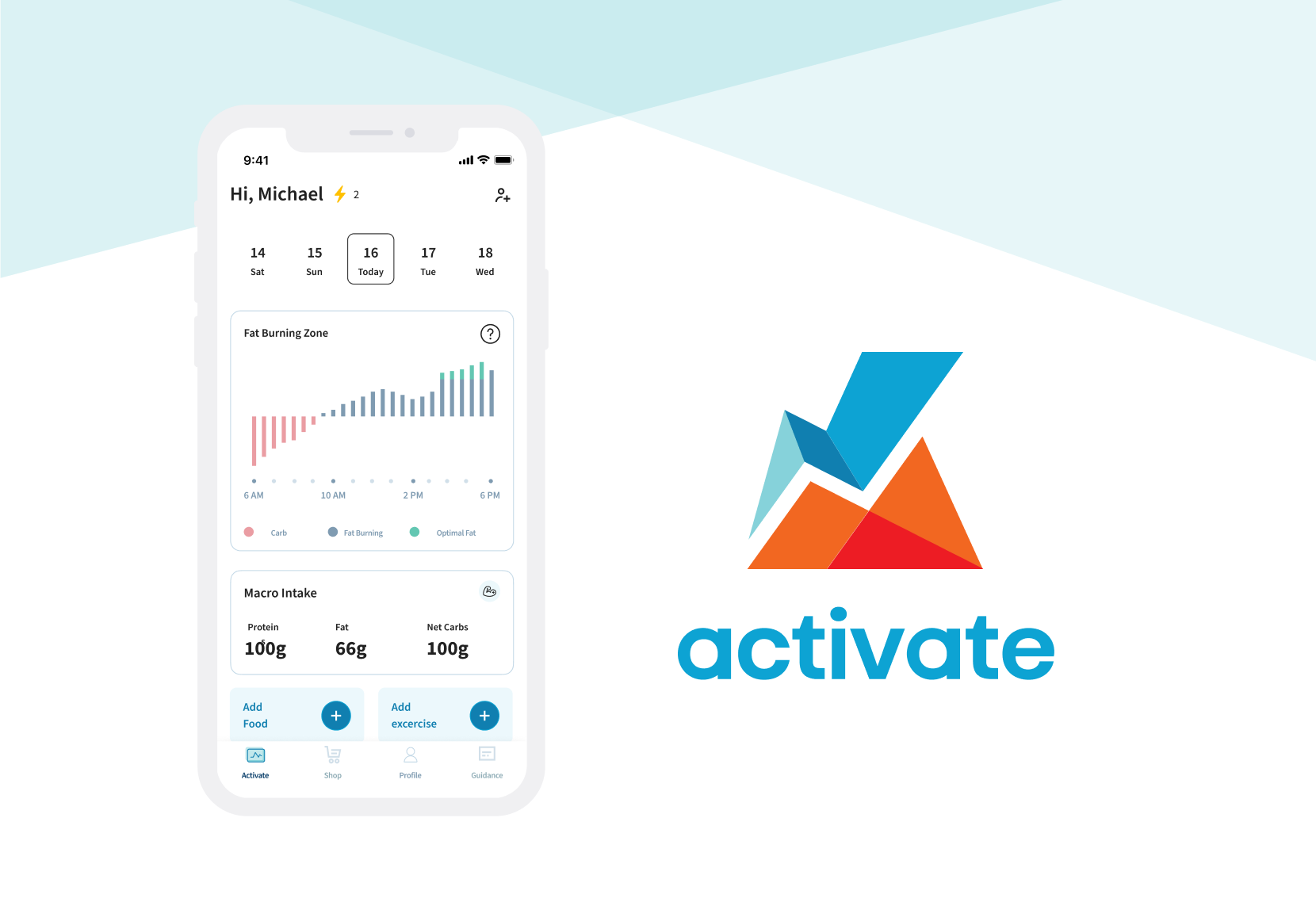
The Activate app is a nutrition coaching app. Its main purpose is to provide a simple way to log meals and understand how what you eat impacts your metabolic health. https://www.theactivateapp.com/
The app was going through usability testing phases since its launch and needed a brand redesign to make it more appealing and interesting for users.
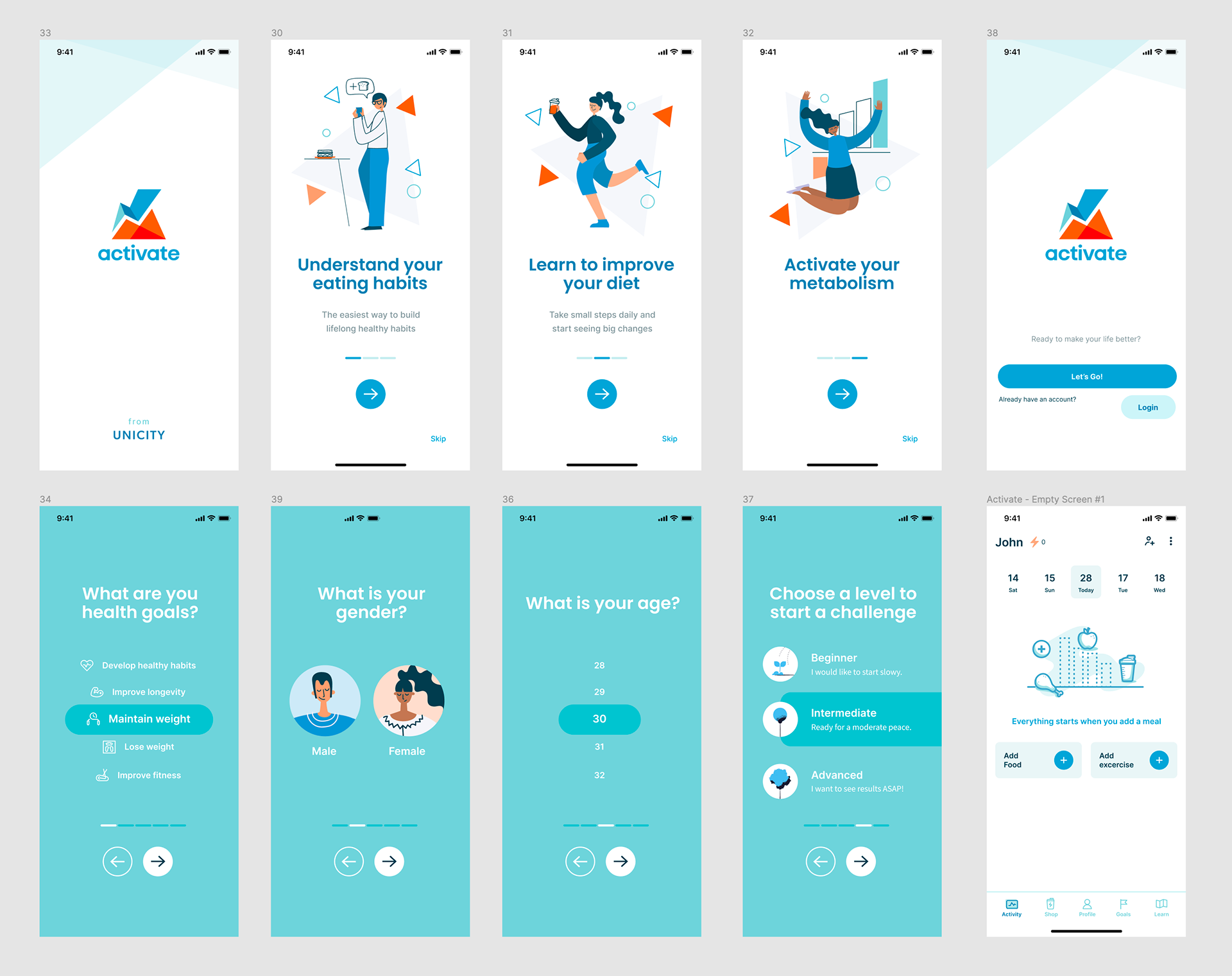
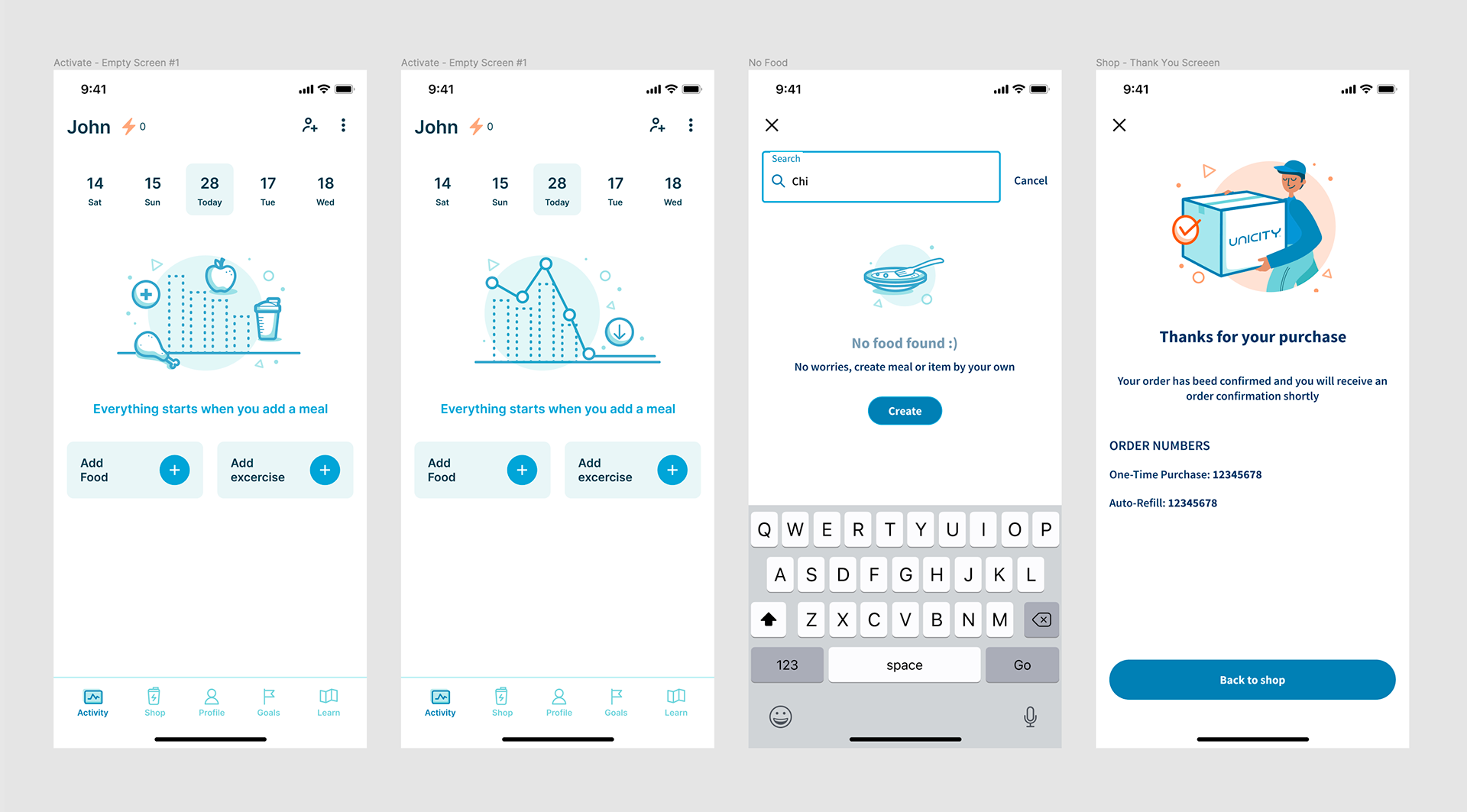
The goal of this project was first to create a new identity and brand style guide to be applied in the app and marketing materials. This included icons, character illustration, photography and emojis. The second part was to identify usability issues with the current release and determine the main features to prioritize for the next iteration. This included adding onboarding screens and simplifying the current dashboard and navigation in the app.
Role
UX/UI Designer
User research, visual design, logo design, identity design, app design, prototyping and testing
User research, visual design, logo design, identity design, app design, prototyping and testing
October 2019 – April 2021
Background
Activate is a Unicity program focused on making a healthy lifestyle doable in real life. It offers a specific selection of products created by Unicity International. Unicity is a direct selling company based in Orem, UT that researches, develops, and promotes health and wellness products to over 50 countries around the globe.
I joined Unicity almost 2 years ago as the UX designer in the Creative Team, under the Global Marketing Department. I work with the product manager, creative director and outsource teams. This particular project was developed with help of a Polish team called Nomtek. We worked closely with their product manager, UX designer and developers. I support experience design across different Unicity digital projects. One of the main ones has been Activate where I was responsible for leading the identity of the app, conducting user research and collaborating with the outsource UX designer in subsequent iterations.
I’ve learned and grown immensely in the last year. Some achievements and takeaways are listed below:
- Created a new brand identity which included a styleguide for the app an other materials.
- Understood user goals and needs from interviews, and from watching them interact with the product/service we offer.
- Collaborating with product managers, analysts, designers and developers make all efforts become unified and more effective.
- The UX design process is always ongoing from empathizing with the user, to understanding their problems, creating new solutions and testing.
- Understood user goals and needs from interviews, and from watching them interact with the product/service we offer.
- Collaborating with product managers, analysts, designers and developers make all efforts become unified and more effective.
- The UX design process is always ongoing from empathizing with the user, to understanding their problems, creating new solutions and testing.
The Process
Understanding the Problem
The target audience of the app is divided in 2 groups: distributors and customers. The app is a tool for distributors to offer nutritional guidance to customers as they start with the program, and for their personal goals. Customers and potential customers can download the app for free to track their food intake and understand the impact of each meal to their metabolic health. We also considered our main target were women in the 20-50 age group living in the US, Canada and Europe.
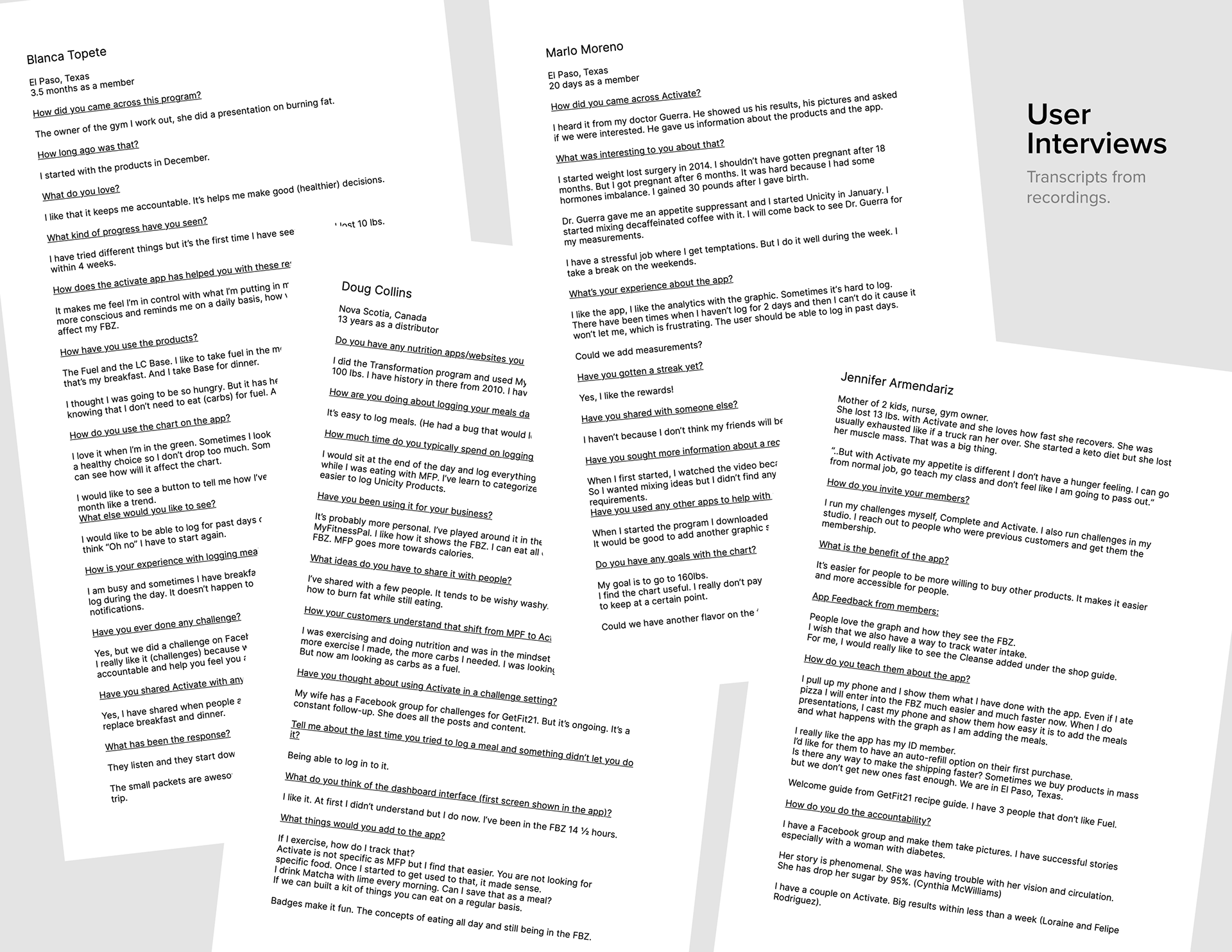
We tested the existing app with both distributors and customers. Our goal with distributors was to learn how the Activate App was useful for them and how do they believe it was helping their customers. Our goal with customers was to understand their challenges with the app and their personal goals and needs. We also gave them specific tasks to see if they were able to complete it successfully. Some of these interviews were conducted by phone calls and others in person.
Defining the Problem
After collecting recordings and annotations from the interviews, we transcribed each person answers to compare and find common pain points and suggestions between users. This research was an ongoing part of the process and through each phase, I helped design new iterations of current features in the app as well as new styles of icons and illustrations for specific sections. Some of our first findings were:
- Users are busy and usually only have time to log once a day instead of 3, they would like to do that without losing their streak.
- Users want to be able to add exercise and see how that affects their chart.
- Customers want to be able to add their body measurements.
- Customers would like to have challenges or a plan to reach specific goals.
- Distributors want an auto-refill option when buying through the app.
- Users want to be able to add exercise and see how that affects their chart.
- Customers want to be able to add their body measurements.
- Customers would like to have challenges or a plan to reach specific goals.
- Distributors want an auto-refill option when buying through the app.
We also used a tool called UXcam that records users behavior while using the app. It was interesting to see how most users would do similar things, omitting important tools that were created to make "logging a meal" easier. There were also parts were a lot of users thought they could select an option tapping on text that wasn’t clickable.
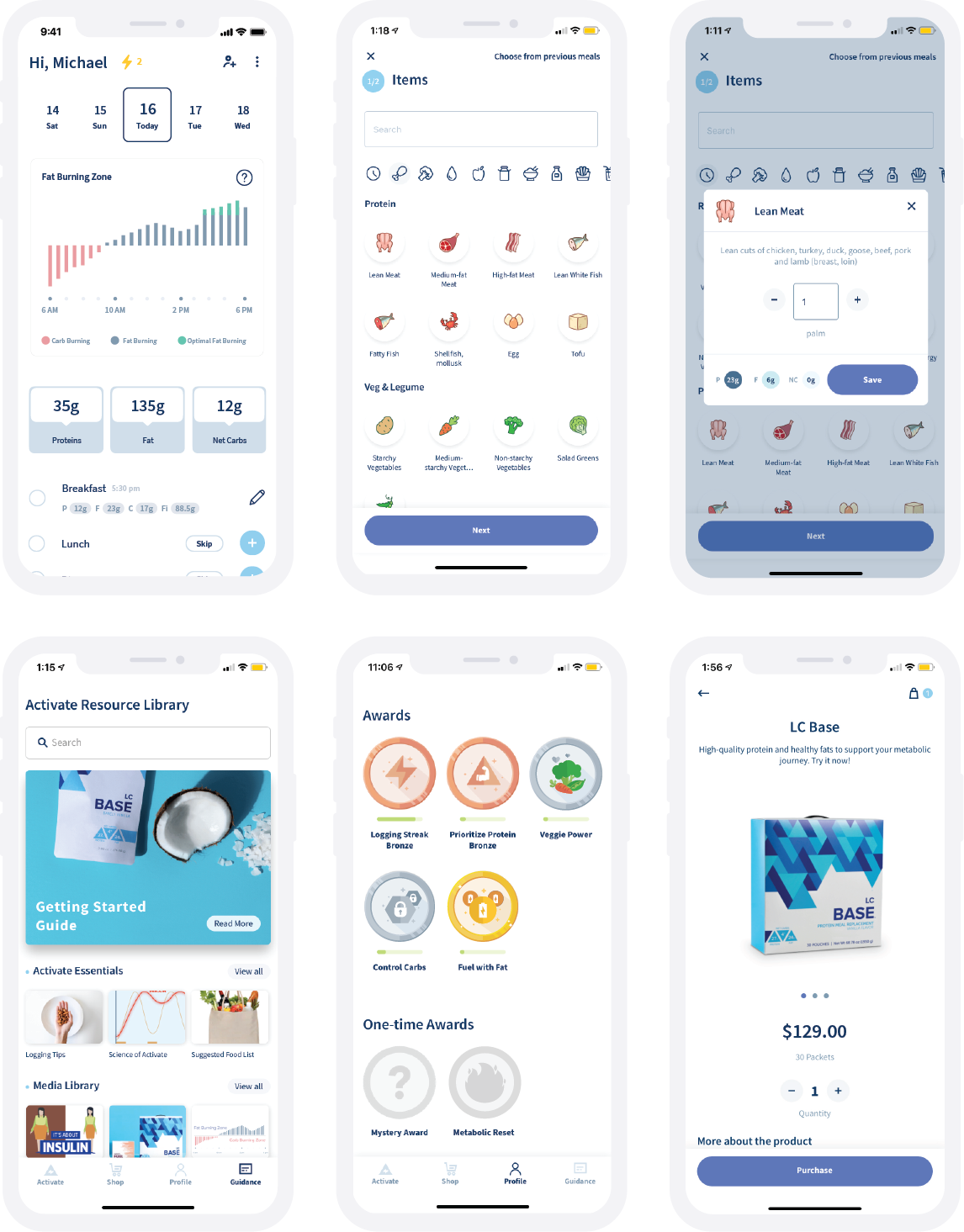
Ideate solutions
We worked together to come up with solutions for the problems found. We did a lot of research on competitor apps to see how they solved similar problems and used that to come up with our own solutions applied to the Activate app.
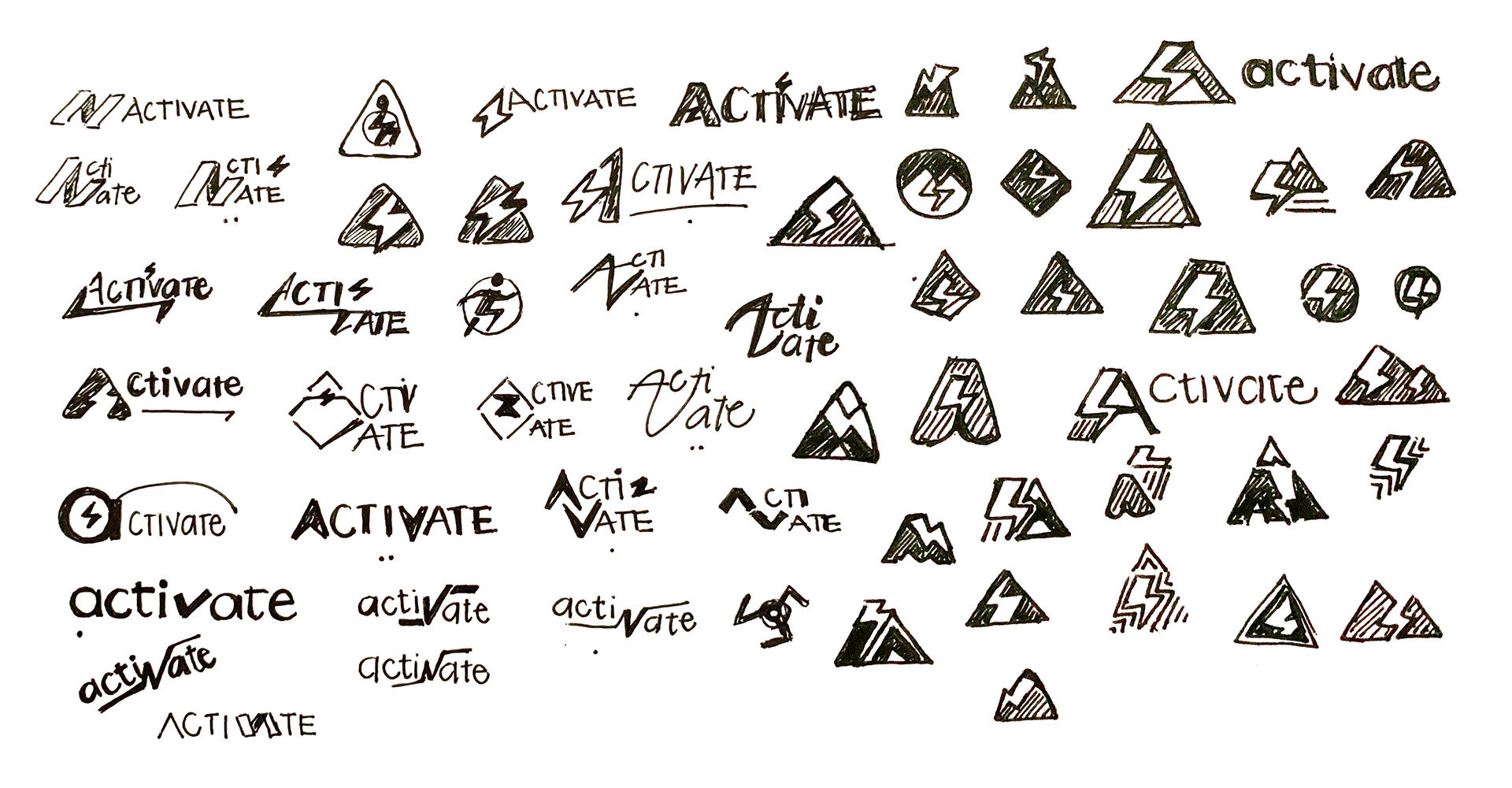
Some solutions were only to be changed on the back-end like granting more days for users to go back and log meals on past days for more than just 2 days. Some others we created sketches, mockups, and prototypes to do more testing on. I also started the process of a new logo.
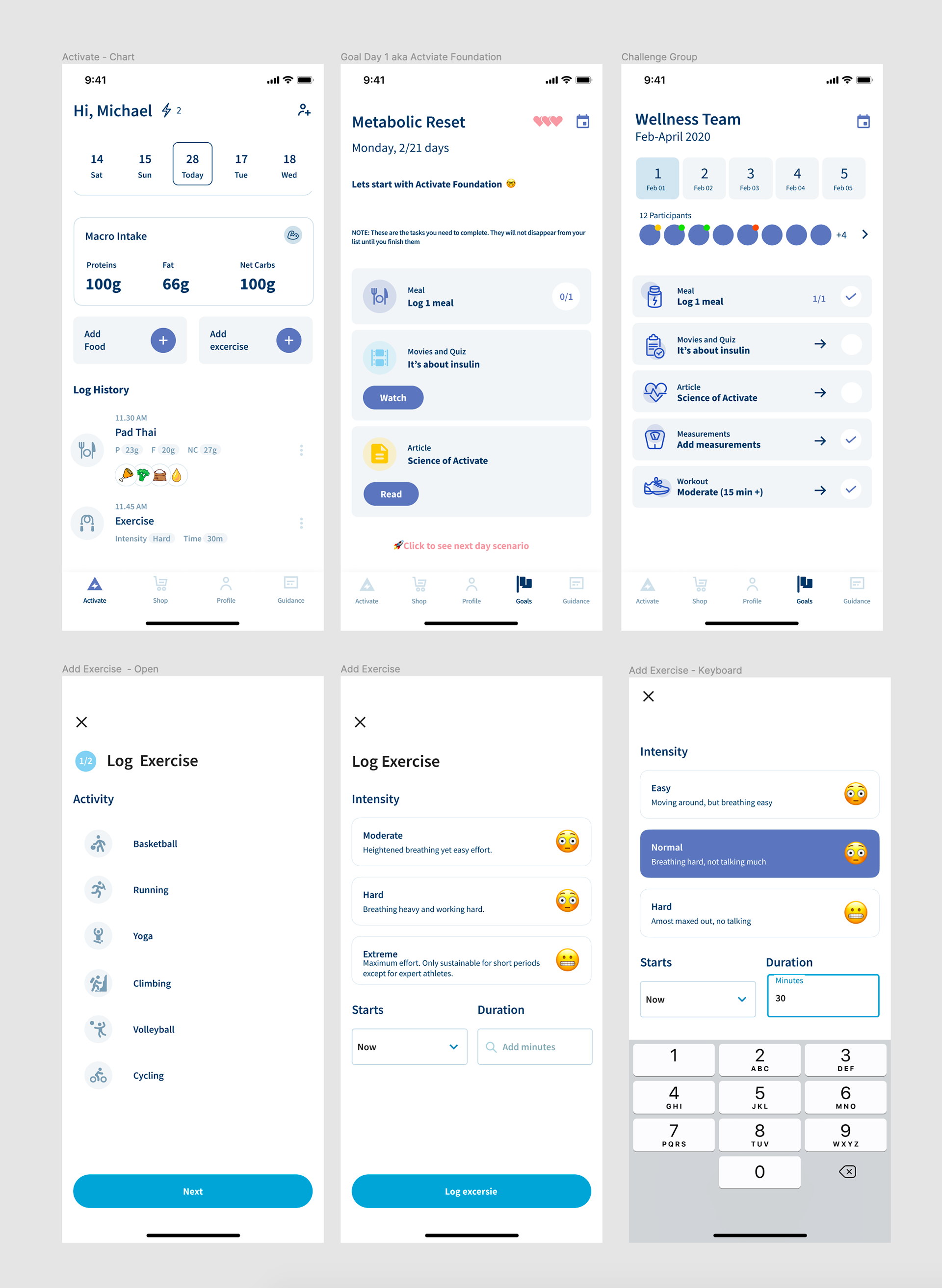
Creating wireframes/mockups
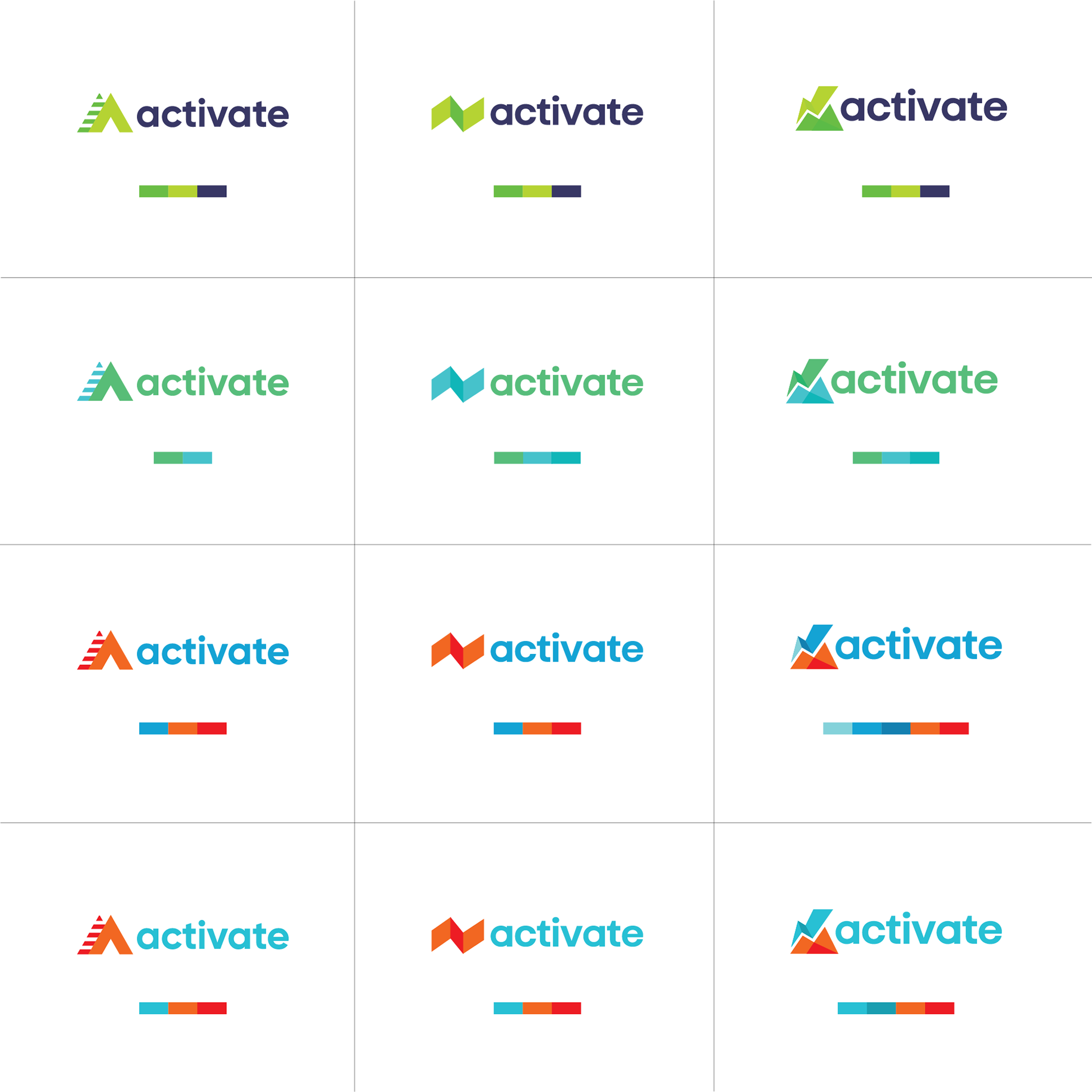
I helped design some specific screens and worked on improving the visual design of the app. We tested different colors and symbols. After a lot of iterations, testing and discussions with the team and feedback from our users, a new logo was selected. After that, new character illustrations, icons, screen colors, and a styleguide was created. I helped design onboarding and login screens with new colors, fonts and the characters created.

Testing prototypes
Testing was always part of each new iteration. During the pandemic, as we couldn’t do many in person interviews, we asked every person in the team to test specific iterations with 2-3 people within our target audience. I was in charge of providing the goals, questions, directions and timelines for each interview session and then gathering all the information to make a single report. This then was sent to the outsource UX designer, and discussed with the team to make the necessary updates. We used zoom to perform some interviews and other online tools like Milanote and Miro to discuss ideas, findings and tasks.

Results
After each successful new iteration, the development team made the updates in the app. I worked with them to make sure the front-end aligned with the new branding rules and did beta tests before it went live.
Some positive results are:
- The brand redesign for the Activate app had a positive impact on the Activate program overall.
- Customers and distributors felt heard as the main missing tools they asked for were added including a bigger food library.
- We got meaningful reviews from distributors about the value of the new Activate App and how it as helping with their businesses.
More positive outcomes are still to be seen over time with how well the app is helping to have a healthier life for costumers, a handy coaching tool for distributors and a see that reflected in increased sales.